Pick your screen
Translate a game window, borderless game, full screen, or a selected region.
Translate story-rich games directly on screen—without alt-tabbing. Choose instant standard translation or context-aware AI.
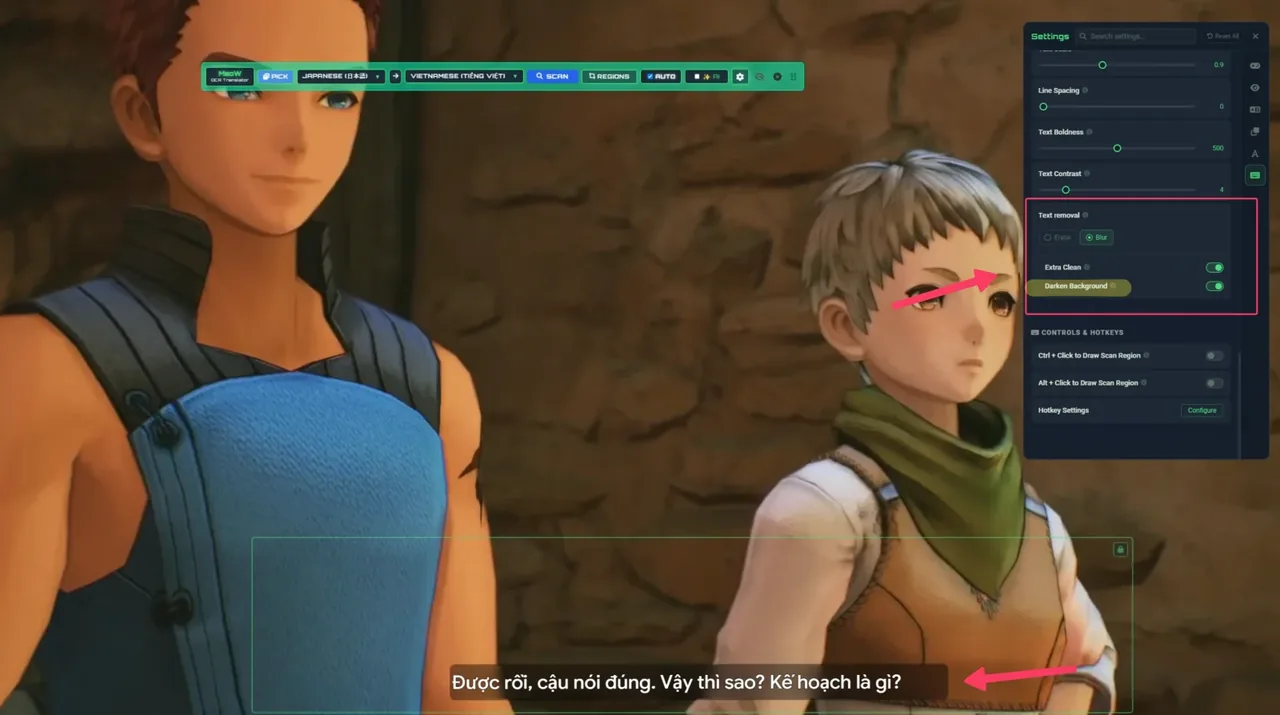 REAL APP SCREENSHOT
See MeoW translate a game in real time.
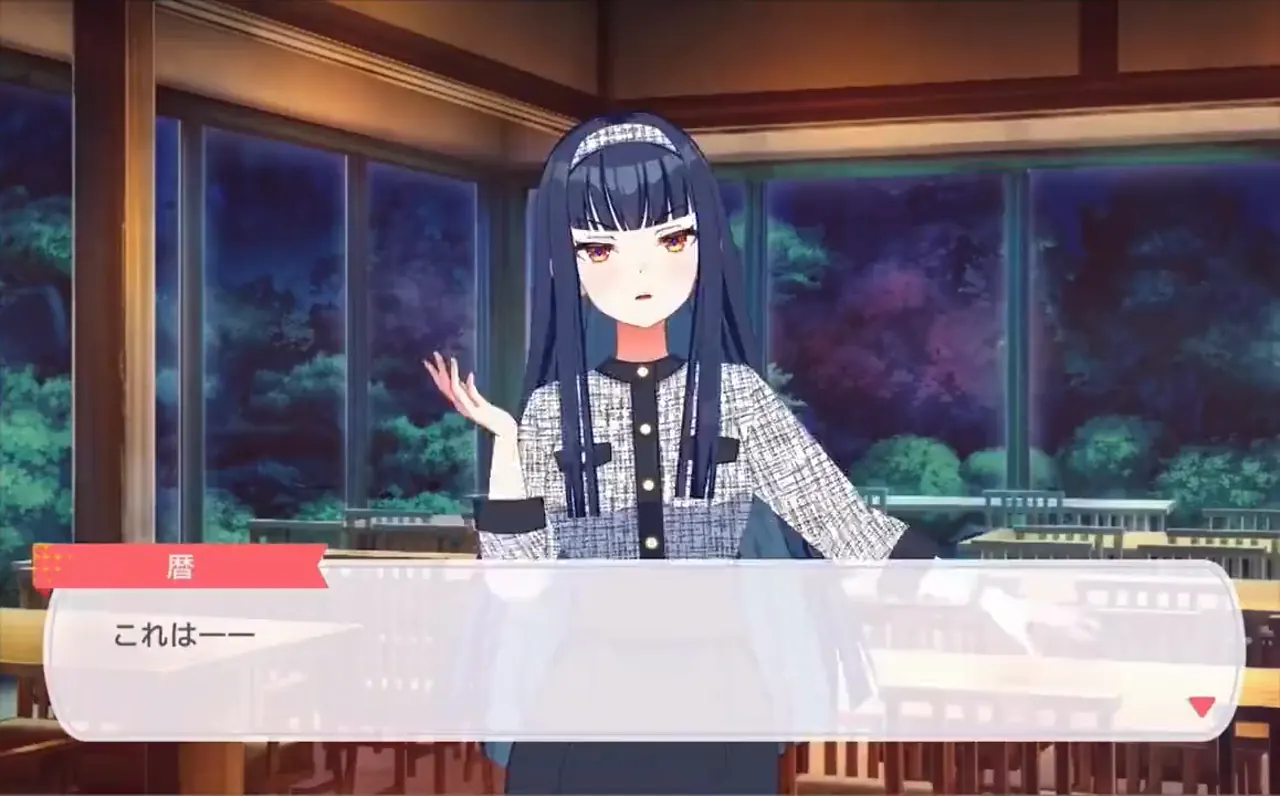
Compact controls. Instant translations. Zero clutter.
Translate a game window, borderless game, full screen, or a selected region.
Use manual scan, drag a quick region, or turn on AUTO for hands-free translation.
Standard translations usually appear in under a second, directly over the original text.
MeoW works best with visual novels, JRPGs, RPGs, and story-focused games with clear, steady text. It also translates manga, manhua, and manhwa from any selected screen region.
Dense or fast-moving text can still be translated, but may feel less seamless than a native localization.
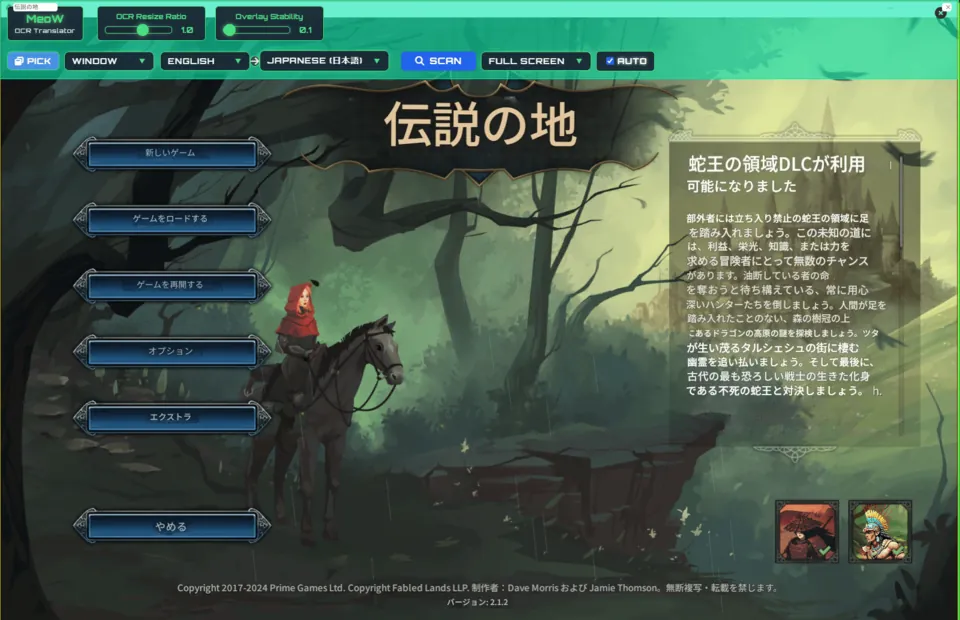
Keep the art. Keep the atmosphere. MeoW places readable translations right where the original text lives.
TRY MEOW OCR ↗
No ads. Minimal anonymous telemetry. Clear controls over what you share.
Translation currently requires internet. OCR can run locally or in the cloud; offline translation is on the roadmap.
Cloud OCR sends the selected scan region. Optional Visual Analysis can send a region or full window only after you preview and choose it. Anonymous improvement data sharing can be turned off in Settings.
Windowed and borderless modes work best. Exclusive fullscreen support can vary by game.
MeoW does not inject into or hook the game process, and we have no known anti-cheat flags. Compatibility still depends on each game and anti-cheat system.
Core OCR and standard translation do not require an account. AI translation in v5.x requires sign-in.
Standard translation is usually under one second. AI translation typically takes 0.5–3 seconds depending on text length, network, and provider load.
FPS impact is generally negligible. AUTO mode can use roughly 10–30% CPU with local OCR, while cloud OCR is typically around 10%, depending on the PC and scan region.
The current installer is not yet code-signed, so Windows may show a warning. A Microsoft Store release is in preparation.